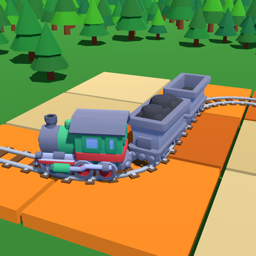
RAIL TWIST
Turn the track. Guide the train home.
Download from the App Store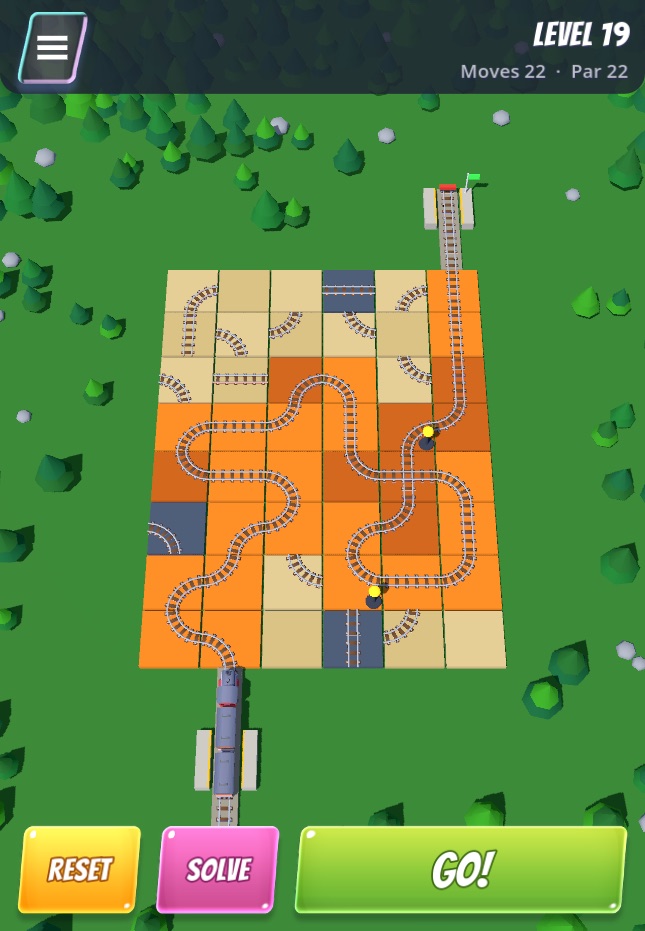
How it plays
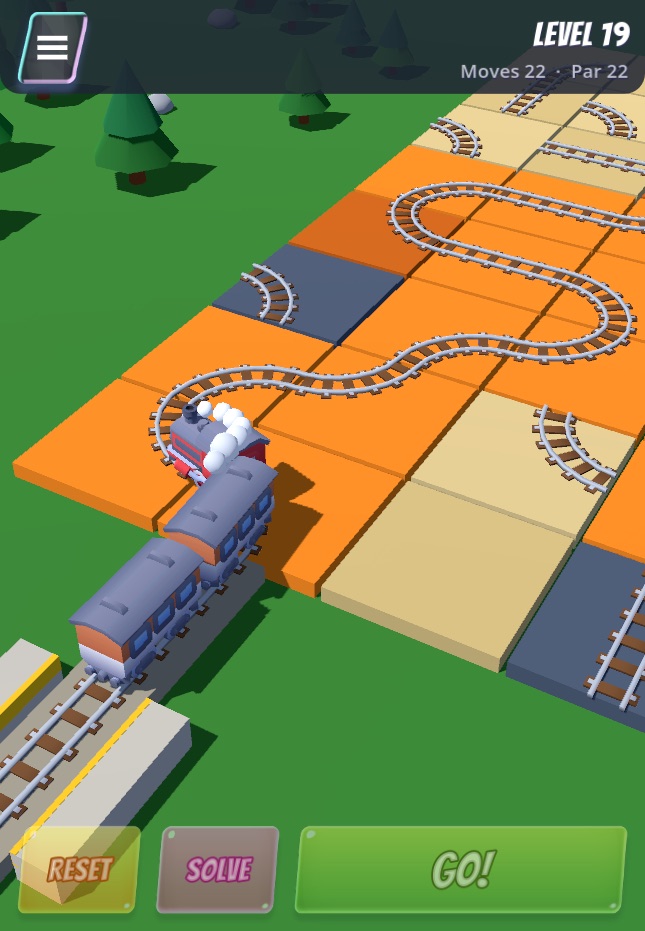
The train waits at the station and the flag is at the far end of the yard. Tap a tile to give its track a quarter turn, and join up a route from the train to the flag. Track joined to the train lights up orange, so you can see how far your route reaches. Press GO and watch it run. Finish in par moves or fewer for three stars.
- 40 puzzles that grow from a few tiles to big, twisting track yards
- Signal lamps to light, crossings where the track runs over itself, and fixed tiles that won't turn
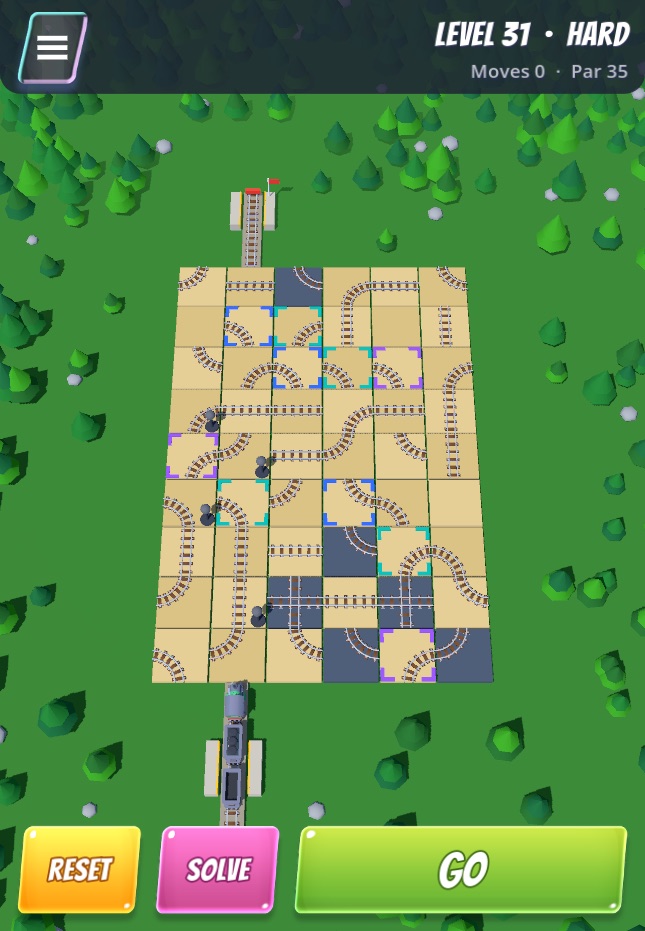
- Hard mode, where linked tiles turn together, with its own set of stars
- A new daily puzzle every day, with a calendar of the silver and gold trains you've earned
- Steam, diesel, city, subway and bullet trains, each with its own sounds
- Works offline, with no ads, no in-app purchases and no account needed
Help and support
Questions, problems or ideas? Email hello [at] neoncat [dot] software and we'll get back to you.
- How do I play?
- A quick guided tour runs the first time you play. You can see it again any time from How to play in the menu.
- I'm stuck on a level
- Reset puts every tile back the way the level started. If you're really stuck, Solve turns the tiles into place for you, but the level only earns one star.
- How do I get three stars?
- Every turn of a tile counts as a move. Finish in par moves or fewer for three stars. Later levels let you go a few moves over and still earn them.
- What are the coloured corners on Hard?
- From level 6 on Hard, tiles with matching coloured corners are linked. Turning one turns them all, so plan their turns together. Switch between Normal and Hard in Settings.
- How does the daily puzzle work?
- Tap Daily puzzle on the home screen for a new puzzle every day. Solve it on Normal for a silver train or on Hard for a gold one. The calendar in Settings shows the trains you've earned and lets you play any past day.
- Can I make the train go faster?
- Yes. Hold a finger on the screen while the train is running to speed it up.
- Can I turn off the sound or vibration?
- Yes. Settings has a Sound slider and a separate switch for vibration.
- Will my progress move to a new device?
- Your stars and daily trains are saved on the device you play on. They aren't backed up to an account, so they don't move across to a new device.
- How do I get a refund?
- Purchases are handled by Apple. You can request a refund at reportaproblem.apple.com.